 LabFlow
GitLab in your pocket, focused on performance and UX
Manage projects, issues and pipelines. Even offline.
LabFlow centralizes what you need from GitLab: Projects, Issues, Merge Requests, Pipelines, Wiki and Groups — with local caching for fast navigation and offline usage.
Compatible with GitLab.com and self-hosted (URL configurable). Authentication via token.
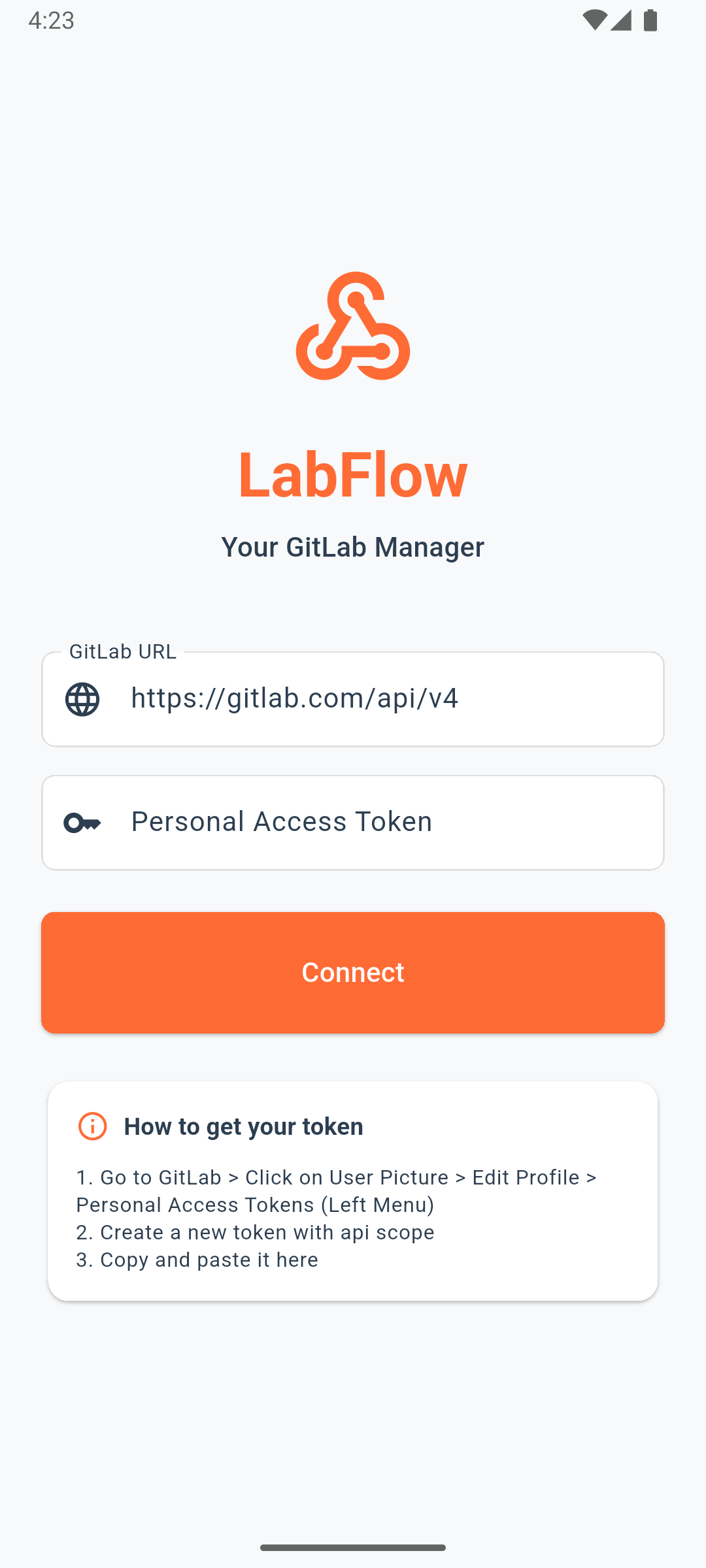
Screenshots:
Why Choose LabFlow?
10x faster than GitLab Web on mobile. Native performance optimized for your workflow.
Keep working without internet. Local cache syncs automatically when you're back online.
Smart push notifications keep you informed. Configure exactly what matters to you.
Full support for English, Portuguese, and Spanish. More languages coming soon.
Your data stays on your device. No tracking, no ads, no data collection.
~$10 one-time purchase. No subscriptions, no ads, no data harvesting. Support ongoing development and get all features forever.
Features
- Listing, search, details and common actions
- Efficient pagination and refresh
- Deep links to GitLab
- Pipeline status and details
- Wiki with Markdown
- Browse files/branches/tags
- Configurable push notifications
- GitLab events in real time
- Less context switching
Security
LabFlow uses a token you provide to authenticate against the configured GitLab instance and:
- Store tokens using secure storage on the device
- Use HTTPS/TLS
- Offer “Sign out” and “Clear cache” in the app
See full and updated details in the Privacy Policy. Privacy Policy.
Changelog
Summary of recent updates:
v1.0.14 (December 27, 2025)- 🎯 CRUD operations for Groups and Members
- 🐛 Translation and layout fixes
- 🔒 Notification permission validation
- 📊 Commit viewer in repositories and MRs
- 🖼️ Fixed avatar display for projects and groups
- 🔍 Global search through app bar
- 📋 Sort by system (projects, issues, MRs)
- 📱 Compact list mode option
- 🔔 Fixed notification badge counter
Roadmap
Next 2-4 weeks
- Custom themes and colors
- Quiet hours for notifications
- Enhanced notification previews
1-2 months
- Multiple GitLab accounts
- Issue/MR templates
- @mentions in comments
- Emoji reactions
- Home screen widgets
2-3+ months
- Code review with inline comments
- Diff visualization
- CI/CD pipeline triggers
- Kanban boards
- GraphQL API migration
FAQ
Does LabFlow work with self-hosted GitLab?
Yes. Configure your instance URL and authenticate with a token, as long as the API is reachable.
How much does LabFlow cost?
LabFlow costs approximately $10 as a one-time purchase. This fair price supports ongoing development, server costs for push notifications, and ensures we never need ads or data harvesting. Unlike free apps that monetize your data, you're the customer—not the product. You get all features, lifetime updates, and professional support.
How do push notifications work?
LabFlow uses webhooks to receive real-time events from GitLab. You can configure which events trigger notifications in the app settings. Notifications work for issues, merge requests, pipelines, and mentions.
Does it really work offline?
Yes. LabFlow caches all data locally on your device. You can browse projects, issues, merge requests, and repositories without internet. When you're back online, changes sync automatically.
What permissions does LabFlow need?
LabFlow only requests notification permissions (optional) and internet access. Your GitLab token is stored securely using Android's encrypted storage. No location, camera, or contacts access is needed.
Can I use multiple GitLab accounts?
Not yet, but it's on the roadmap! Currently, you can only connect to one GitLab instance at a time. Multiple account support is planned for a future release.
Is my data safe and private?
Absolutely. All your data stays on your device. LabFlow doesn't collect, track, or share any information. Your GitLab token is encrypted and never leaves your phone. See our Privacy Policy for details.
Which languages are supported?
LabFlow is fully translated into English, Portuguese (BR), and Spanish. More languages are planned based on user demand.
What GitLab features are available?
Projects, Issues, Merge Requests, Pipelines, Wiki, Repository browsing (files, branches, tags), Groups, Members, Comments, and Push Notifications. More features are added regularly—check the Roadmap!
When will the iOS version be available?
LabFlow is built with Flutter, so iOS support is technically possible. However, we're currently focused on perfecting the Android experience. iOS release timeline depends on user demand and resources.
How do I get my GitLab personal access token?
Go to GitLab → User Settings → Access Tokens. Create a new token with 'api' scope. Copy the token and paste it into LabFlow during setup. Never share your token with anyone.
How can I report bugs or request features?
We welcome your feedback! Contact us at [email protected] to report bugs, suggest features, or share your experience. Your input helps us improve LabFlow for everyone.
Contact
Support and privacy contact: